
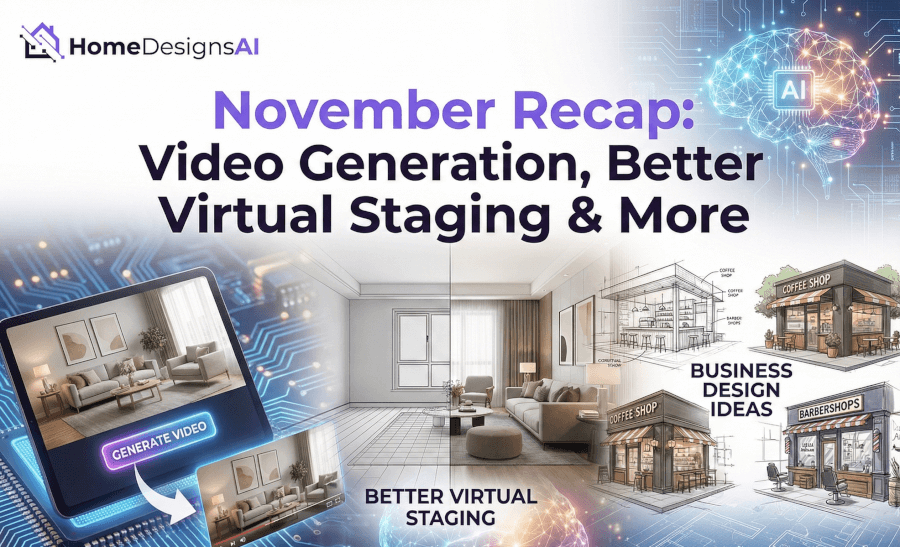
With November officially over, we’re looking back at a month that was a bit different for us. With so many events happening, the holiday season fast approaching, and just trying to wrap things up before the year ends, we honestly couldn’t focus 100% of our time on shipping massive new feature sets.
Instead, we’ve decided to save some of our biggest surprises for next year. We are cooking up some major changes that will redefine how you use our tools, and we want to ensure they are perfect before we release them.
However, that doesn’t mean we came empty-handed! We still managed to roll out some exciting updates and push some significant improvements to our AI models.
Here is what happened in November.
Introducing Video Generation: Now Live!
We’ve rolled out an exciting update across the entire platform. We’ve just added a new “Video” button in every single module under the generated images.
What it does:
-
From your generated images, you can now instantly create stunning videos.
-
The tool allows you to add dynamic camera movements to your static designs, including Pan Up, Pan Down, Zoom In/Out, Rotate, and more.
-
It transforms a still image into a smooth, professional-looking video, perfect for social media posts or client previews.
Introducing Business Design Ideas
We are also happy to announce that the Business Design Ideas feature is now live.
What it does:
-
This new module allows you to generate creative and consistent design concepts for various commercial spaces, such as coffee shops, restaurants, barbershops, and more.
-
You can select a specific business type or enter a custom business name to generate cohesive visual branding ideas.
-
New Capability: Users can now multi-select design styles in this module, giving you more freedom to mix and match aesthetics for a unique commercial look.

See it all in Action
Reading about updates is one thing, but seeing them in a real workflow is another. Sasha put together a complete walkthrough to show you how these pieces fit together.
In the video below, she doesn’t just demonstrate the new features we just mentioned; she also goes through some other latest updates and new tools we released recently:
Refining Our AI
Since we didn’t introduce as many new tools this month, our engineers spent a lot of time “under the hood.”
If you saw our recent updates, you know we introduced tools like 3D Floorplans, the Budget Estimator, and the “Remove All” Furniture toggle.
This month, we focused on training the AI behind these tools to produce even better results. You should notice that the generations are sharper, the segmentation is smarter, and the overall quality has improved on features like Virtual Staging. We are committed to making sure the tools you already use keep getting better.
What’s Next?
As we mentioned, we are leaving the heavy lifting for next year. We have a lot of updates in the works related to the core AI behind our tools, so you can expect significant improvements to your designs and workflow soon.
Until then, enjoy the new video features, and make sure to check out our October Updates to see the other powerful tools available to you!