
Hey there, design enthusiasts,
We’re constantly amazed by the brilliant designs you all create on HomeDesigns.AI. You’ve filled rooms, mixed and matched styles, and truly embraced the power of AI in transforming your living spaces. You make us proud!
Well, it’s about to get even better! Our crafty development team has unearthed a neat trick to take your designs to the next level. This simple method will allow you to improve the results you get using the Fill the Room & Room Mix modes. We’ve tried it and loved it, and we think you will too.
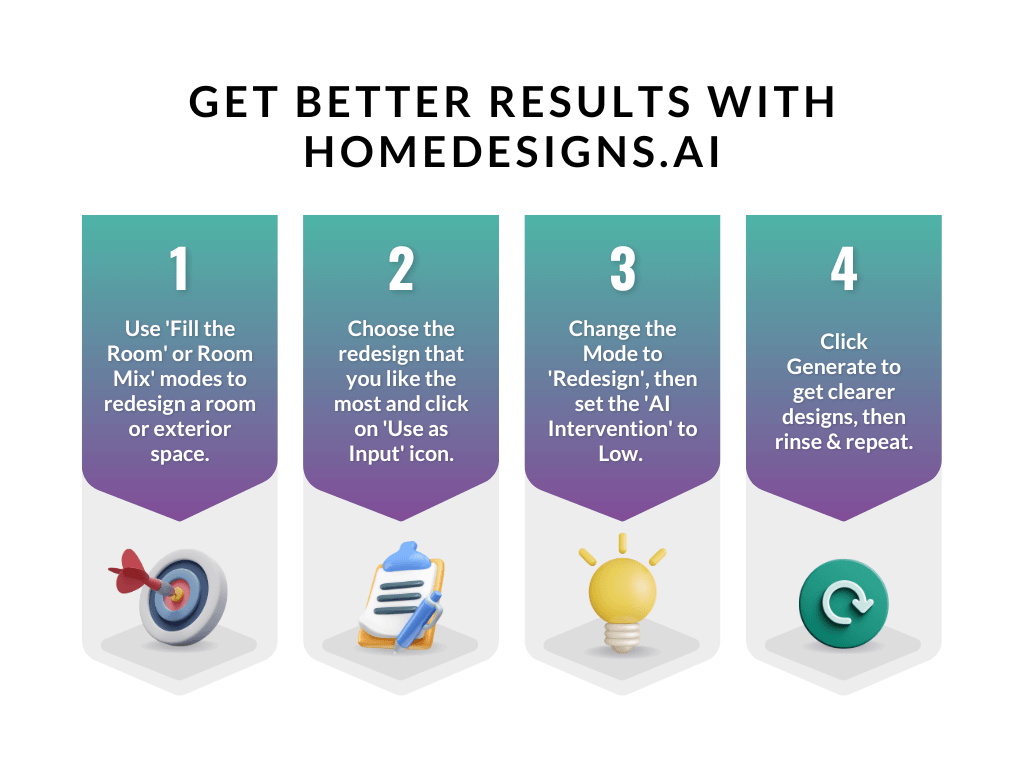
So, ready to get started? Here’s your super easy guide:
- Start as usual – Upload an image and fire up the Fill the Room or Room Mix mode and let the AI do its thing.
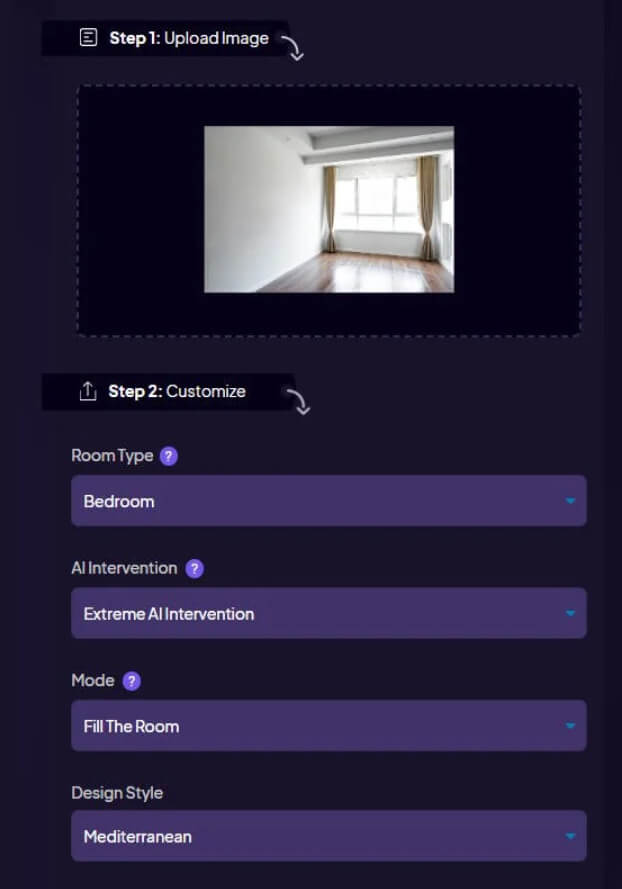
- Pick the winner – From all the design variants that you got, pick the one that you like the most, hover over it, and click on the Use as Input icon.

- Improve it with Redesign mode – Change the mode from Fill the Room or Room Mix to ‘Redesign‘, and set the AI intervention to ‘Low.’
Note: This is the secret ingredient that polishes your design and makes it shine even brighter without making any structural or furnishing changes. - Sit back and admire – Click ‘Generate‘, kick back, and watch as your already-great design transforms into something truly spectacular!
And the best part? It’s as easy as pie! With just a few clicks, you’ll be able to make your home designs clearer and more consistent.
We can’t wait to see what you’ll create with this nifty trick in your design toolkit. So, why not give it a whirl? Dive into your HomeDesigns.AI account and start playing around with this new method.
Happy designing, friends! Let’s create some magic together.