
Cristian

From Factories to Living Spaces: A Guide to Industrial Style Design

Nov 16, 2023 | Interior Design | 0 comments

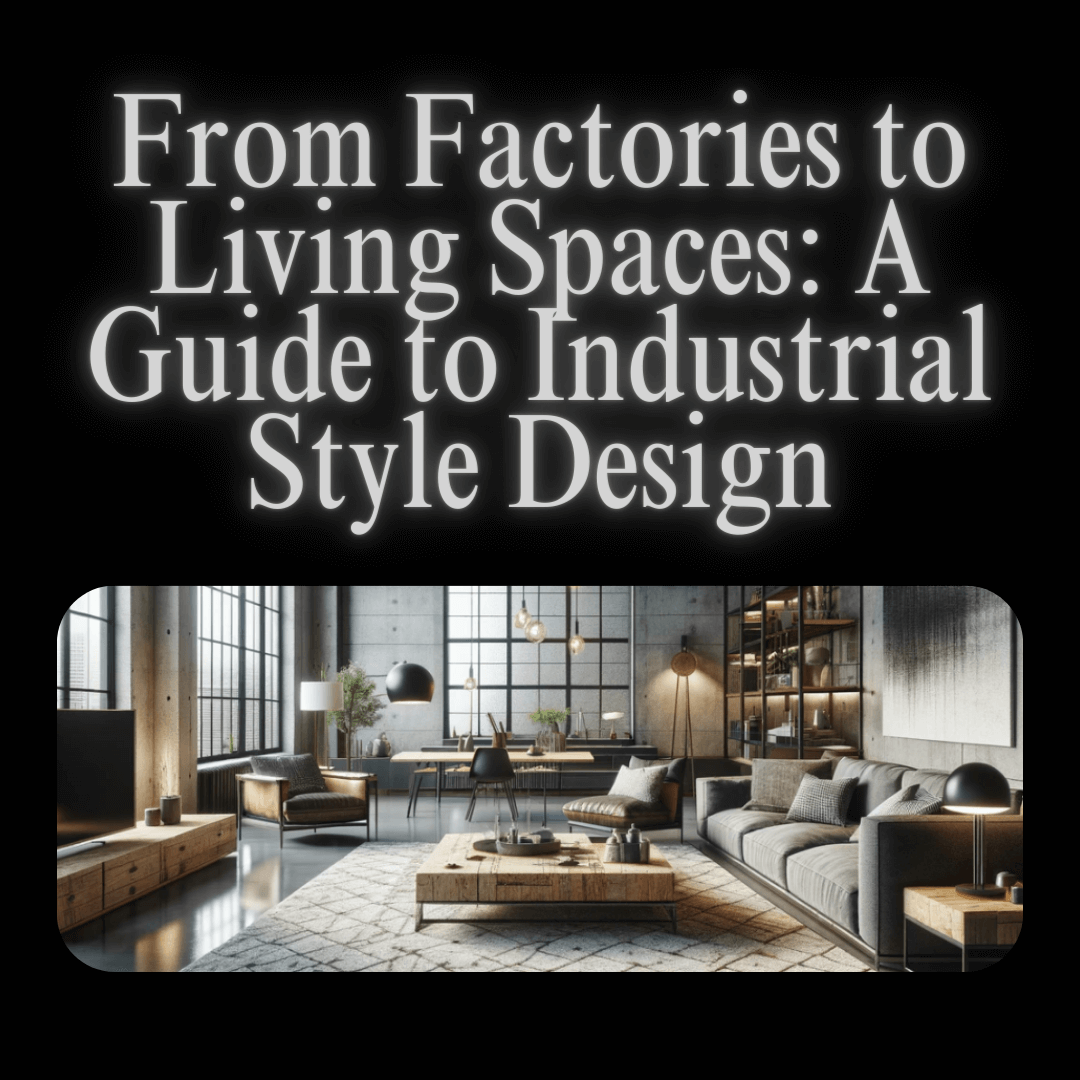
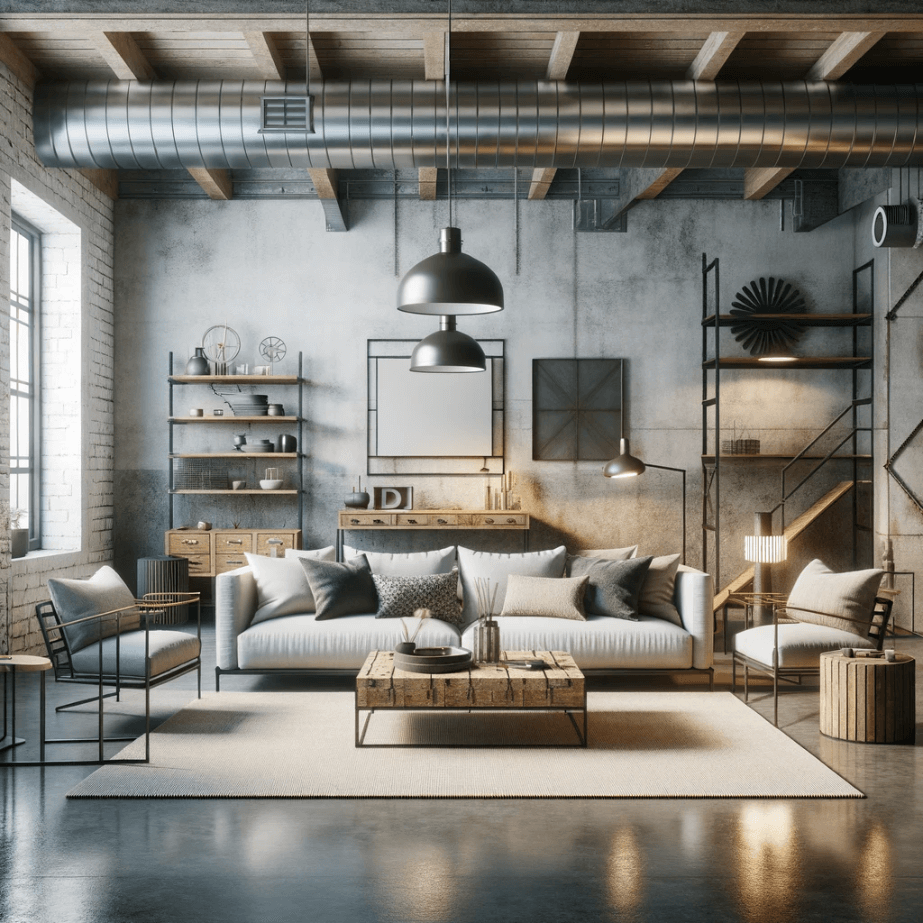
Industrial style interior design has emerged as a leading trend in the world of home and commercial decor. Known for its unique blend of raw, utilitarian features with a chic, contemporary vibe, this style has gained popularity for its ability to create visually striking yet functional spaces. In this article, we delve into the essence of industrial style and guide you on how to infuse this aesthetic into your own space.a living room designed in an industrial style
The Origins and the History of the Industrial Style

The industrial style finds its origins in the Industrial Revolution, a period of great change in manufacturing and urban development during the late 18th and early 19th centuries. This design style emerged more out of necessity than intention, as old factories and warehouses in urban areas were repurposed into living spaces, particularly in cities like New York and London.

Over time, this style has evolved, blending its rugged, raw elements with modern and contemporary touches. This fusion created a unique balance of old-world charm and modern comfort, leading to the modern industrial style we know today.

Now, this style is not just confined to lofts and apartments but is also popular in cafes, restaurants, and offices, celebrated for its open, airy feel and its blend of history, functionality, and style.

The Essence of Industrial Style

The industrial style celebrates the beauty of raw, unfinished elements and combines functionality with a bold, minimalist approach. This style is characterized by a few key elements that define its unique appeal. Here are the five most important characteristics of industrial style:

  1. Raw Materials: The use of exposed brick, metal, and wood is a hallmark of industrial design, showcasing the materials in their most natural and unrefined state.
  2. Open Floor Plans: Inspired by the spacious layouts of industrial buildings, this style often features large, open spaces with minimal obstructions.
  3. Exposed Mechanical Details: Industrial style embraces the raw functionality of elements like pipes, ducts, and beams, often leaving them exposed as part of the aesthetic.
  4. Minimalist Approach: There’s a focus on simplicity and functionality, with less emphasis on ornate details and more on practical, utilitarian design.
  5. Accent Lighting: Statement lighting fixtures, especially those with a metallic finish or industrial design, are key to creating the right ambiance in an industrial-style space.
See also  Designing Your Dream Home with AI

Now that you’ve explored the origins, the essence, and the key characteristics, you might be inspired to incorporate this aesthetic into your own space. This is where our platform comes into play. HomeDesigns AI is designed to make the process of transforming your home into an industrial-style haven both easy and enjoyable:

Step-by-Step Guide to Using HomeDesigns AI for Industrial Style Design

  1. Start by visiting the HomeDesigns AI website and clicking on the Start Now button.clicking on the Start Now button
  2. Click on the Upload Image button and select your space from the gallery of your device.uploading the image from your device
  3. Now choose the Room Type that your space represents, then the AI Intervention level.choosing the Room Type and the AI Intervention level
  4. Next, choose between the Beautiful Redesign and Creative Redesign modes.choose between Beautiful and Creative Redesign
  5. After that, choose the Industrial style from the list of Design Styles.choose the Industrial style
  6. Select the Number of designs that you want to generate.
    choose the number of designs you want
  7. You can also add Custom AI Instructions to prompt the AI what you want to do in the room.add custom AI instructions if you want
  8. Once you’ve done this, click on the Generate New Design button and wait until the AI generates the prompted images.
    start the process of generating new designs
  9. If you are not happy with the results and you want to change or add things to the image, click on the Precision+ button.accessing the Precision+ feature
  10. Upload the image there and use the brush to select which piece of furniture you want to change, or which area you want to add things.use the brush to select what you want to change
  11. Use the AI prompt to express what you want the AI to do.use the AI prompt to tell it what you want to do
  12. Choose the Design Style, Room Type, and Number of designs.choose the Industrial design style, room type, and the number of designs
  13. Click on the Generate New Design button and let the AI do the magic.start the generation of new designs
  14. In case you don’t like the quality of the image, you can use the Full HD Quality feature to improve the quality of the image, or the Ultra Enhancer to improve the shadows, lightning, and overall look of the image.use the Ultra Enhancer and Full HD Quality features
See also  Elevate Your Holiday Decor: Home Decorator's Christmas Tree

Conclusion

The industrial style offers a unique and captivating approach to interior design, blending the raw, utilitarian charm of the Industrial Revolution with modern, contemporary elements. This style is not just about embracing a certain aesthetic; it’s about creating a space that reflects a rich history, functionality, and a bold, minimalist approach. Our platform provides endless possibilities to explore new styles and combinations of styles, bringing your desired space to reality.

Popular Posts

Social Media

Explore more from our blog:

November Recap: Video Generation, Better Virtual Staging & More

With November officially over, we’re looking back at a month that was a bit different for us. With so many events happening, the holiday season fast approaching, and just trying to wrap things up before the year ends, we honestly couldn't focus 100% of our time on...

October Updates: 3D Floorplans, One-Click Removal & More

October is in full swing, and our team has been busy working on the next round of updates for our platform. We’re excited to share what we've been building, including some helpful new tools and a few features that came directly from your suggestions. From bringing...

New September Updates: Social Sharing, Smarter Editing & More

With summer winding down, our team has been focused on making steady improvements to our platform. This latest round of updates is all about refining your workflow and adding some helpful new features based on user feedback. In this post, we’ll walk you through what's...

[Case Study #2] Is AI a threat or an assistant? A top designer’s take

In the fast-paced world of interior design, over two decades of experience give you a certain perspective. For Ajah Beckton, founder of the acclaimed design firm Ja'Zine Interiors, it meant mastering the delicate dance of fabric samples, floor plans, and late-night...

The Conversation that Started it All (Our Origin Story)

Before we had millions of users, before we had a full suite of AI tools, and long before we were even called HomeDesignsAI, there was a simple, powerful idea. Like any good garden, our company has roots, and those roots trace back to one person: my dad. This isn't a...

[Guide] How Professionals Are Transforming Their Workflow w/ AI

With over 2 million users on HomeDesignsAI, we've seen the answer firsthand. A significant and growing portion of our community isn't just hobbyists; they are top-tier professionals in design, architecture, and real estate. Some are innovators, curious to see how AI...

[Case Study #1] Meet the Realtor Who’s Using Our AI to Sell Homes 40% Faster

What do you see when you look at an empty room? If you're a real estate agent, you might see potential. But for a buyer, an empty space can feel cold, daunting, and anything but a future home. This is the challenge that real estate agents face every day: selling a...

Unified Gallery, Improved Results & More: Major Update is Live

We’ve been busy behind the scenes, and a few days ago, we rolled out a set of exciting updates designed to make your HomeDesignsAI experience smoother, faster, and more inspiring than ever. In this article, we’ll walk you through each new feature and improvement,...

Flemish Style: The Elegance That Never Fades

Some styles fade with time, others evolve, but a rare few never lose their soul. Flemish style is one of them. Rooted in history but still deeply relevant today, this design language brings warmth, texture, and meaning into any home. In this article, we’ll explore the...

How to Design a Perennial Garden That Blooms Year After Year

Summer is the season when nature shows off, and if there’s one garden style that captures the spirit of effortless beauty and long-term reward, it’s the perennial garden. While many garden designs demand season-after-season effort, the perennial garden is all about...

Ready to redesign your home with AI?

Menu

Home

Blog

Pricing Plans

Affiliate Program

API

Enterprise

White Label Widget

Sitemap

Help Desk

API Documentation

Use Cases

Interior Design AI

Exterior AI

Landscaping AI

Furniture Replace AI

Real Estate AI

Virtual Staging AI

Cabinet Design AI

Wall AI

Flooring AI

Countertop AI

Architecture AI

Partial Remodel AI

Construction AI

Features

Redesign

AI Furniture Removal

Furniture Finder

Decor Staging

Colors & Textures

Fill Spaces

Material Swap

Sky Colors

Paint Visualizer

Room Composer

Inspiration

Interior Design Ideas

Exterior Design Ideas

Garden Design Ideas

Company

About Us

Press

Investors

Careers

Legal

Terms of Service

Privacy Policy

Refund Policy

Copyright 2025 HomedesignsAI. All Rights Reserved