
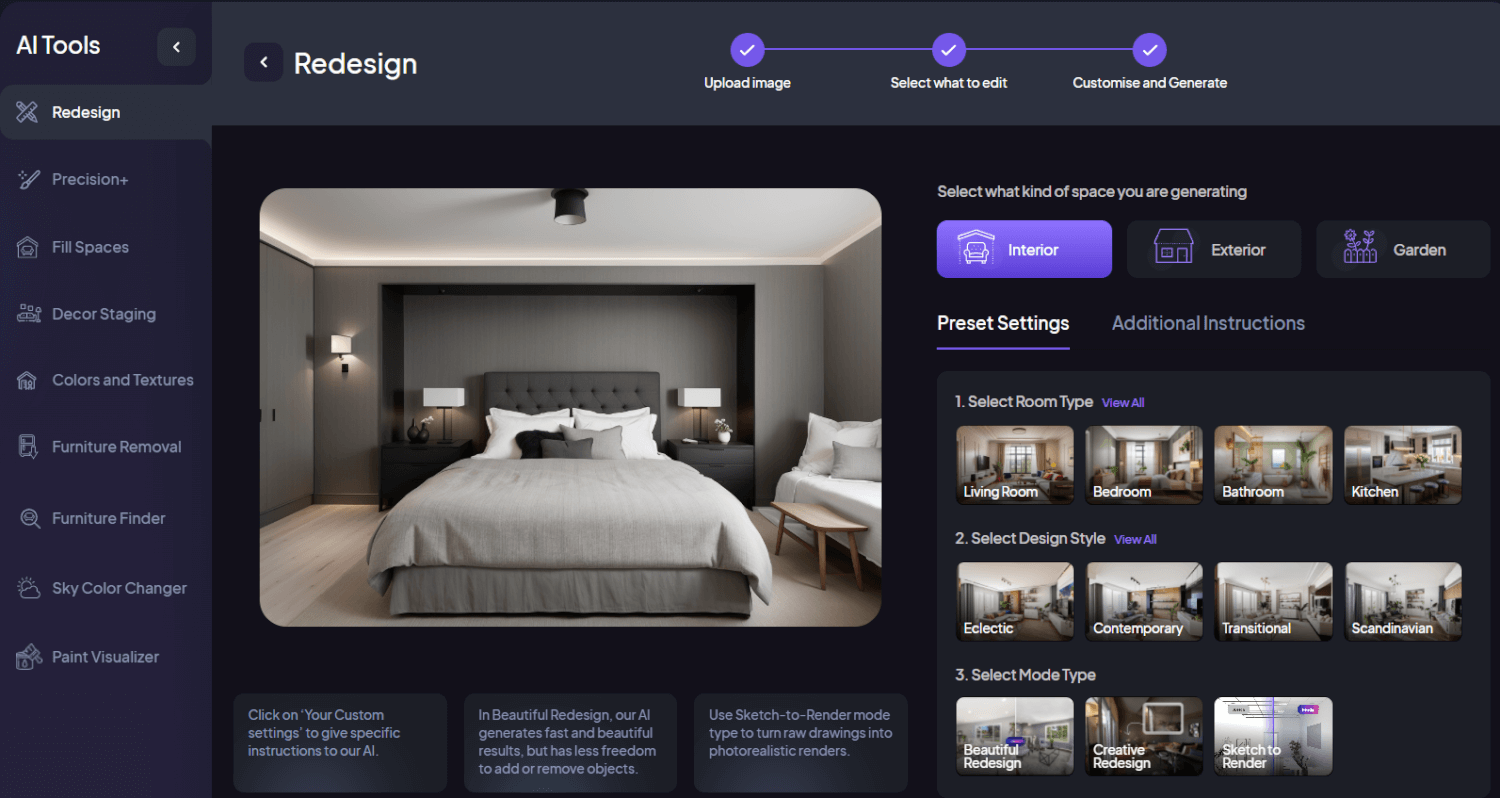
At HomeDesigns.ai, we are dedicated to making home design accessible, enjoyable, and transformative. Our pioneering Redesign feature was the first tool we introduced, allowing users to visualize their home with a complete makeover in any style they desired, all within seconds. Over time, this feature has evolved significantly, now offering even more powerful capabilities. In this article, we will delve into the Redesign feature, explore its capabilities, and introduce its three innovative modules: Beautiful Redesign, Creative Redesign, and Sketch to Render.
The Redesign Feature: What It Can Do
The Redesign feature is designed to help users reimagine and transform their living spaces effortlessly. Originally developed to provide instant visualizations of home makeovers, it now offers advanced functionalities that cater to diverse design needs and preferences. Whether you’re looking to refresh a single room or undertake a complete home makeover, the Redesign feature empowers you to achieve your vision with ease.
Who is the Redesign Feature For?
This feature is perfect for anyone interested in transforming their space, regardless of their design experience. Homeowners looking to refresh their living areas, interior designers seeking inspiration, architects needing realistic renders, and even DIY enthusiasts wanting to experiment with new styles will find this tool incredibly useful. It can be used for a variety of purposes, including planning home renovations, visualizing potential purchases, staging homes for sale, or simply exploring new design possibilities.
Capabilities of the Redesign Feature
- Instant Makeovers: Visualize complete transformations in various styles within seconds.
- Wide Range of Styles: Choose from over 70 different design styles to match your taste.
- Multiple Room Types: Select from over 60 room types, ensuring every part of your home can be redesigned.
- High-Quality Visuals: Generate professional-quality images that help you envision the final look.
- AI Intervention Levels: Choose the level of AI intervention, from subtle changes to complete overhauls.
- Custom Instructions: Provide custom instructions to guide the AI, ensuring your personal preferences are met.
- Versatile Application: Use the feature on interiors, exteriors, or gardens to transform any space.
- User-Friendly Interface: Simple and intuitive controls make it easy for anyone to use.

Introducing the Three Modules of Redesign
To better cater to different design needs, this module is now divided into three specialized modules: Beautiful Redesign, Creative Redesign, and Sketch to Render. Each module offers unique functionalities designed to enhance your design experience.
Beautiful Redesign
Beautiful Redesign is tailored for those who want a polished and professional makeover for their space. This module focuses on creating aesthetically pleasing designs that blend traditional and contemporary styles, ensuring the final result is both beautiful and functional. The AI makes subtle yet impactful changes, enhancing the overall look without altering the fundamental layout too much. It’s perfect for users who want a refined transformation that maintains the original charm of their space.
Creative Redesign
Creative Redesign is perfect for users who want to explore unique and innovative ideas. This module encourages creativity and experimentation, allowing for bold and imaginative transformations that push the boundaries of traditional design. The AI in this module is given more freedom to make significant changes, resulting in a space that feels entirely new and uniquely yours. If you love taking design risks and exploring unconventional styles, Creative Redesign is the tool for you.
Sketch to Render
Sketch to Render is an exciting tool for those who like to visualize their ideas from scratch. This module converts your hand-drawn sketches into realistic 3D renders, making it perfect for architects, designers, or anyone with a vision for their space. You can upload a simple photo with a drawing or sketch, and the AI will transform it into a detailed, realistic render. This feature brings your sketches to life, allowing you to see a tangible representation of your design ideas.
How to Use the Redesign Feature
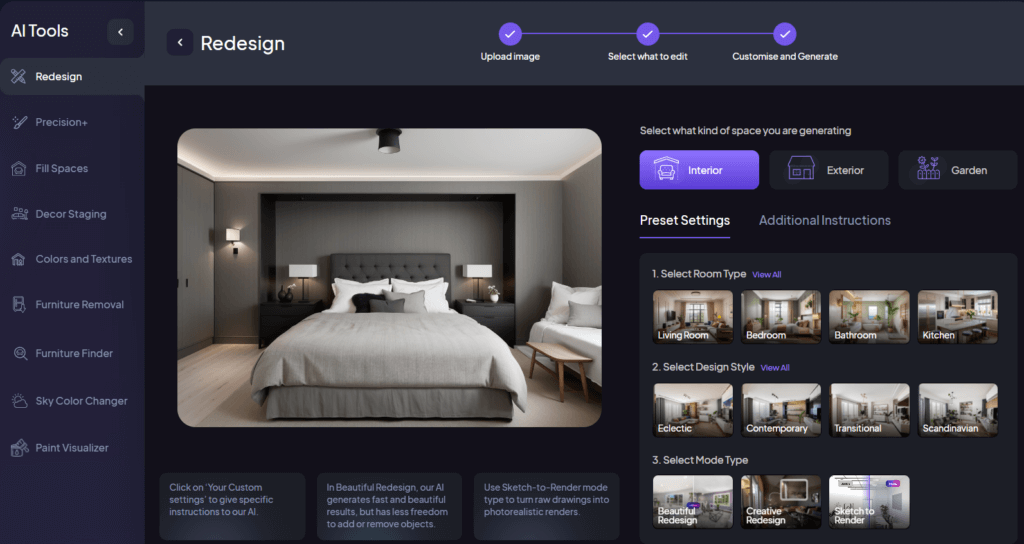
Using the Redesign feature is straightforward and user-friendly. Here’s a step-by-step guide to help you get started:
- Begin by logging into your HD.ai account and accessing the Dashboard.
- Upload a photo of your room or a sketch.
- Select what kind of space you are generating.
- Choose the Room Type and the Design Style you want.
- Select either Beautiful Redesign, Creative Redesign, or Sketch to Render based on your design needs.
- Specify the level of AI Intervention.
- Select Additional Instructions and add your custom instructions if desired.
- Select the number of designs you want and click on Generate New Designs.
- Review the redesigned images. If you want to make further changes, select the Edit button and use whatever features you want.
Wrapping Up
The Redesign feature is a powerful tool that simplifies and enhances the process of reimagining your living spaces, providing everything you need to achieve your design vision. With its user-friendly interface, extensive style options, and the ability to customize AI intervention levels and instructions, this feature empowers you to create stunning, personalized designs effortlessly. With HD.ai, you can transform your space into a masterpiece with whatever design you want.