
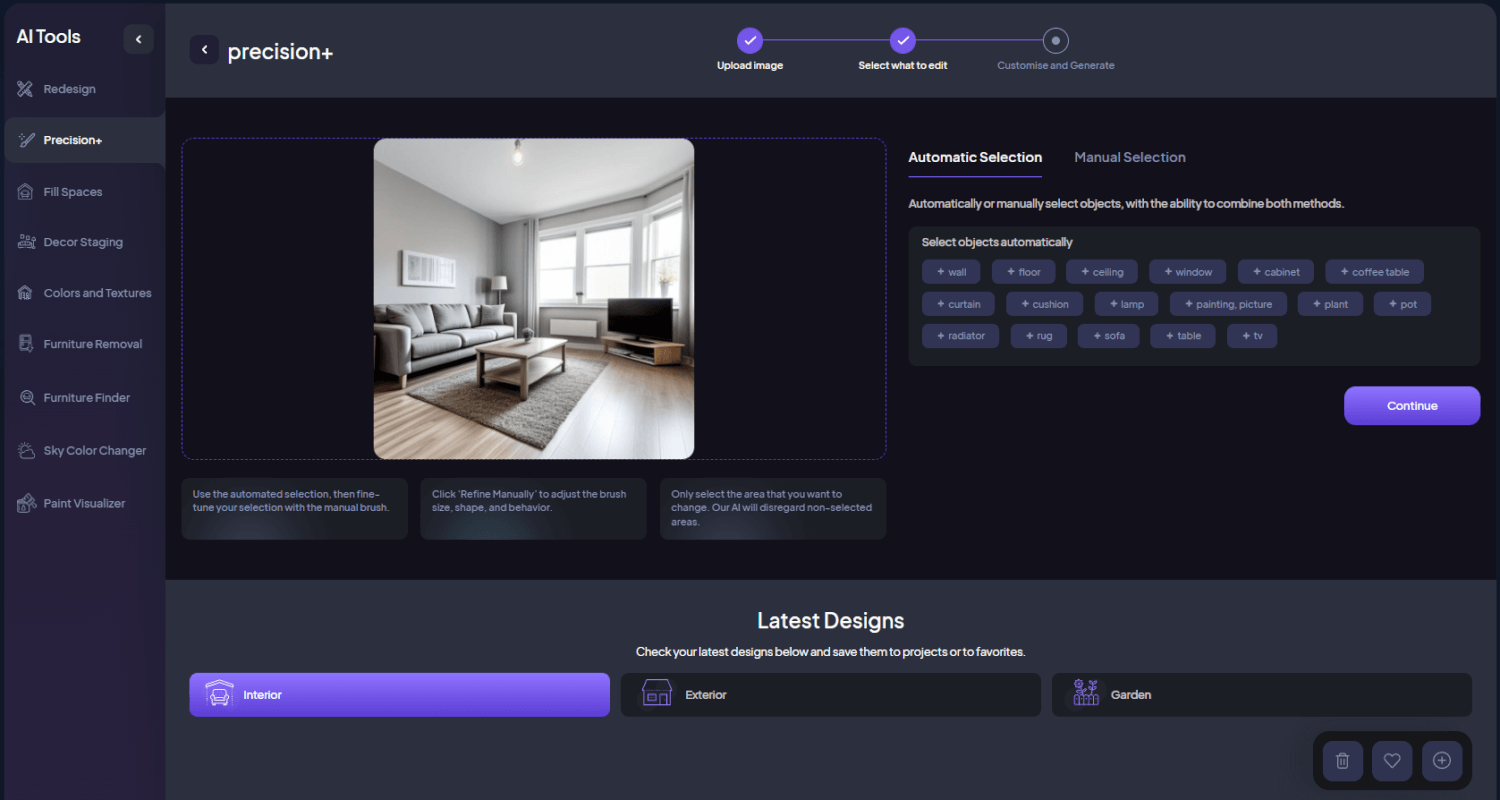
At HomeDesignsAI, we are committed to providing powerful, user-friendly tools that make home design accessible and enjoyable. The Precision+ tool is designed to help users make focused and precise changes to specific areas of their spaces while preserving the rest intact. Whether you’re working on interiors, exteriors, or garden spaces, Precision+ enables you to fine-tune your designs with accuracy and ease. In this article, we’ll delve into the functionality of the Precision+ tool, explain what it can do, discuss who can benefit from it, and provide a step-by-step guide on how to use it effectively.
Introducing the Precision+ Tool
The Precision+ tool allows users to make targeted modifications to selected areas or single objects without altering the entire space. This tool is ideal for detailed improvements and adjustments, making it perfect for homeowners, interior designers, realtors, architects, landscapers, and event planners who need to refine their designs with precision. 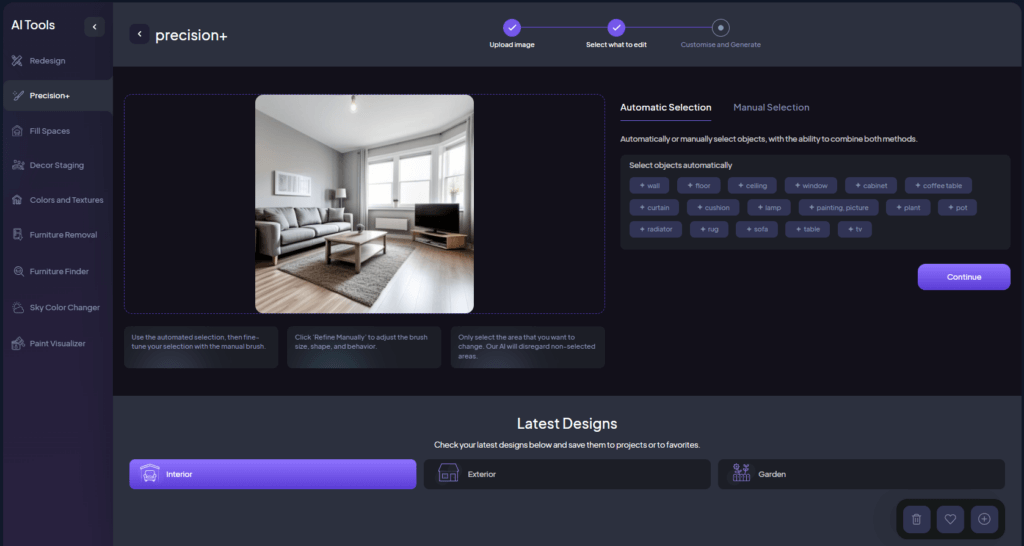
What Precision+ Can Do
Precision+ is designed to help users reimagine and transform their living spaces effortlessly. Originally developed to provide instant visualizations of home makeovers, it now offers advanced functionalities that cater to diverse design needs and preferences. Whether you’re looking to refresh a single room, overhaul the exterior of your home, or redesign your garden, the Precision+ tool empowers you to achieve your vision with ease.
Key Capabilities
- Focused Changes: Modify selected areas or single objects without affecting the whole space.
- Manual Selection: Use a brush or selection tools to precisely outline the area to be modified.
- Automated Selection: Utilize our object identification AI for one-click selection of identified objects/areas.
- Detailed Adjustments: Perfect for refining designs and making specific improvements.
- Versatile Applications: Suitable for interiors, exteriors, and garden spaces.

Who is the Precision+ Tool For?
The Precision+ tool is perfect for anyone interested in transforming their space, regardless of their design experience. It is ideal for:
- Homeowners: Looking to make specific improvements without altering the entire space, such as changing appliances or finishes in a kitchen without moving their positions.
- Interior Designers: Needing to make detailed adjustments for client projects, like replacing decor elements in a living room design with different variations.
- Realtors: Enhancing property photos with targeted modifications, such as updating specific furniture or decor in a home listing to improve its appeal.
- Architects: Making precise changes to design plans, such as adjusting materials or finishes in a particular room based on client feedback.
- Landscapers: Refining outdoor designs with specific adjustments, like changing the type of plants or garden features for a more cohesive look.
- Event Planners: Tailoring event layouts with precision, such as replacing decor elements or table settings for a wedding venue.
How to Use the Precision+ Feature
Using the Precision+ tool is straightforward and user-friendly. Here’s a step-by-step guide to help you get started:
- Begin by uploading a clear, high-quality image of the space you want to adjust.
- Our AI will automatically identify every object in the image.
- Use the manual brush or selection tools to precisely outline the area you want to modify.
- Choose from Interior, Exterior, or Garden spaces.
- Click on View All to see all available Room Types, House Angles, or Garden Types. Selecting the proper environment will give the AI more context.
- Click on View All to explore all available Design Styles. Selecting the design style will influence the look of the selected area while keeping the rest intact.
- Click on Additional Instructions and type a custom prompt explaining what you want to change in the selected area if you want.
- Select how many design variations you want to generate at once and click on Generate New Designs to let the AI change the selected object.
- Review your redesigned space and make any necessary edits. Use the available tools to tweak colors, materials, or furniture placement, and enhance the resolution with the HD button if needed.
Tips and Tricks
To get the most out of Precision+, consider these helpful tips:
- Use Manual + Automatic Selection: Start with automated selection and then fine-tune your selection with the manual brush.
- Adjust Brush Shape and Size: Click on Manual selection to adjust the brush size, shape, and behavior for more precise control.
- Toggle Between Add and Remove Masking: In the Manual Selection tab, switch between Brush Selection (Add Masking) and Brush De-Selection (Remove Masking) to refine your selection.
- Only Select What You Want to Change: Ensure you only select the area you want to modify. The AI will disregard non-selected areas.
- Provide Context in Additional Instructions: If you want to change an object to another type, specify the change in the additional instructions (e.g., “Replace the couch with a wooden black chair”).
- Improve Resolution: Use the HD button to enhance the clarity of the generated design.
- Versatile Applications: Precision+ is optimized for both interior and exterior objects, allowing you to add furniture, decorative elements, appliances, and more.
Wrapping Up
The Precision+ tool is a powerful feature that simplifies and enhances the process of making focused and precise changes to your spaces. Whether you’re a homeowner, interior designer, realtor, architect, landscaper, or event planner, Precision+ provides everything you need to achieve your design vision with accuracy and ease. With our tool, you can transform your space into a masterpiece tailored to your exact design preferences. If you want to learn more about our innovative tools, check out our latest article here.