
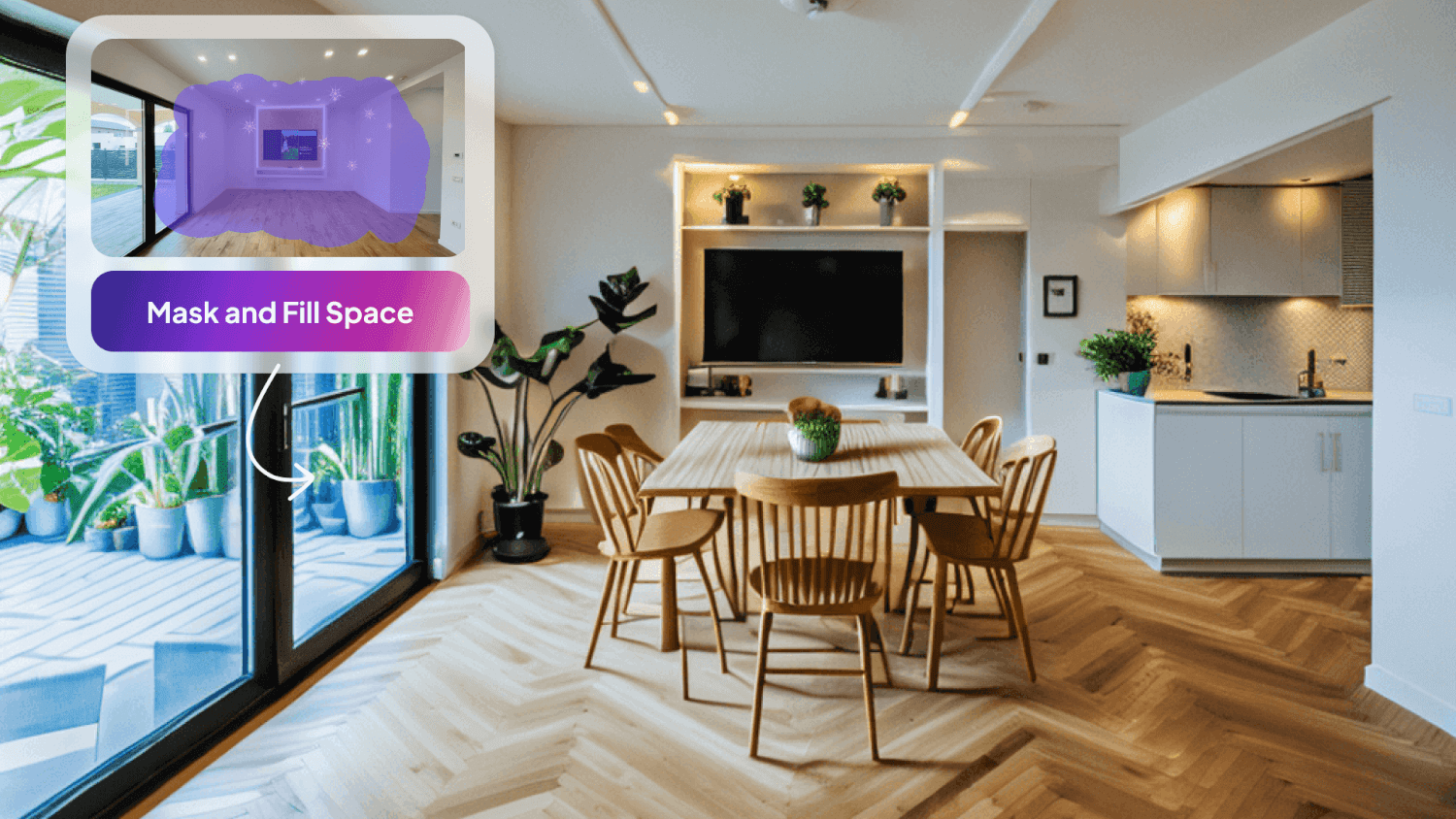
At HomeDesigns AI, we strive to provide tools that make home design easier and more efficient. One of our most versatile tools, Fill Spaces, was created to help users effortlessly furnish and decorate empty interiors, exteriors, and gardens. In this article, we’ll introduce the Fill Spaces tool, explain what it can do, discuss who can benefit from it, and provide a step-by-step guide on how to use it effectively.
Introducing the Fill Spaces Tool
The Fill Spaces tool was developed to address the demand for a more efficient solution to furnish and decorate empty spaces. This tool is designed to allow users to quickly and easily add furniture, objects, and decorative elements to interiors, exteriors, and gardens. The versatility of Fill Spaces makes it suitable for a wide range of applications, from furnishing homes to adding exterior features like pools and enhancing gardens with decorative elements.
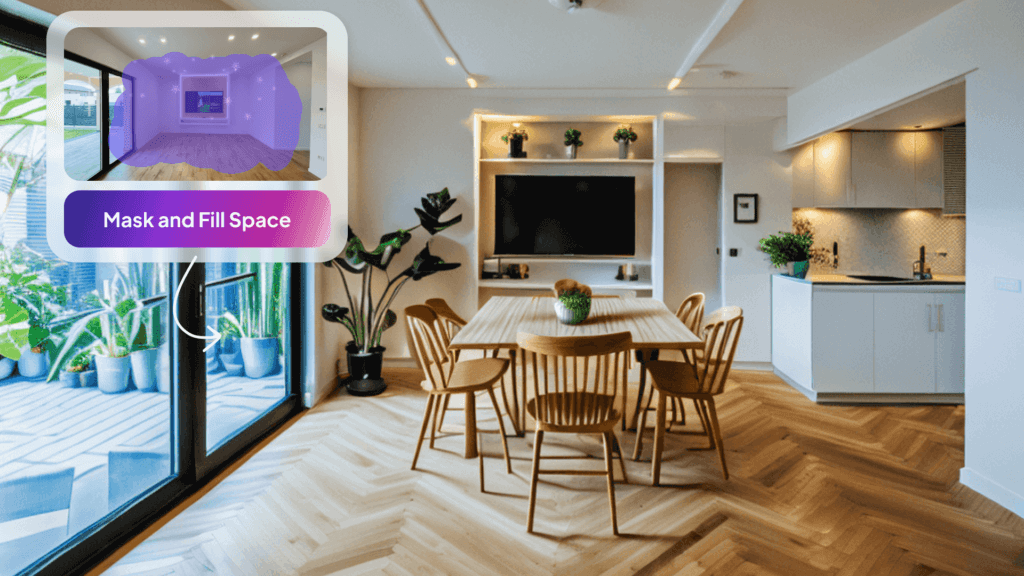
What Fill Spaces Can Do
The Fill Spaces tool is all about adding bulk furnishings and decor to empty spaces in a way that feels natural and cohesive. Whether you’re looking to fill an empty living room with stylish furniture, visualize a fully furnished outdoor space, or enhance a garden with decorative elements, this tool provides the capabilities needed to achieve your vision.
Key Capabilities
- Bulk Additions: Quickly furnish interiors, exteriors, and gardens with multiple items at once.
- Manual Selection: Precisely control which areas the AI is allowed to modify, ensuring that windows, walls, and structural elements remain untouched.
- Automatic Selection: The AI automatically identifies objects and allows for one-click selection, streamlining the process.
- Hybrid Selection: Combine automatic and manual selection to tailor the area you want to fill with objects.
- Versatile Applications: Suitable for furnishing homes, adding exterior features like pools, and enhancing gardens with decorative elements.

Who is the Fill Spaces Tool For?
The Fill Spaces tool is perfect for anyone looking to transform empty spaces into fully furnished and decorated environments. It’s ideal for:
- Homeowners: Looking to furnish and decorate their homes.
- Architects: Visualizing furnished spaces for clients.
- Interior Designers: Quickly staging rooms with furniture and decor.
- Realtors: Enhancing property listings with virtual staging.
- Home Builders: Showing potential layouts and designs for new builds.
- Landscapers: Adding decorative elements to gardens and outdoor spaces.
- Event Planners: Designing layouts for various events.
How to Use the Fill Spaces Feature
Using the Fill Spaces tool is straightforward and user-friendly. Here’s a step-by-step guide to help you get started:
- Begin by uploading a clear, high-quality image of the space you want to fill.
- Our AI will automatically identify every object in the image.
- Use Automatic Selection or Manual Selection (or both) to choose the area where you want to add furniture, decor elements, and other objects.
- Choose from interior, exterior, or garden spaces.
- Click on View All to see all available room types, house angles, or garden types, and choose the one you want.
- Click on View All to explore all available design styles. The chosen style will influence the look of the added items while keeping the rest of the space intact.
- Click on Additional Instructions and type a custom prompt that explains what you want to add in the selected space.
- Select how many design variations you want to generate at once.
- Click on Generate New Designs to let the AI populate your space with the selected items.
- Review your redesigned space and make any necessary edits. Use the available tools to tweak colors, materials, or furniture placement, and enhance the resolution with the HD button if needed.
Tips and Tricks
To get the most out of Fill Spaces, consider these helpful tips:
- Don’t Select Structural Elements: If the room is completely empty, select everything aside from windows and structural elements.
- Brush is Better for Fill Spaces: Selecting the area that the AI is allowed to touch with the manual brush is preferred since you can select bigger areas quicker and ensure there are no gaps in your selection.
- Adjust Brush Shape and Size: Click on ‘Manual selection’ to adjust the brush size, shape, and behavior for more precise control.
- Toggle Between Add and Remove Masking: In the Manual Selection tab, switch between Brush Selection (Add Masking) and Brush De-Selection (Remove Masking) to refine your selection.
- Add a ‘Buffer’ Zone: Add a ‘buffer’ zone around the selected area to allow the AI to add shadows and reflections for a more realistic look.
- Provide Detailed Preferences: Specify your preferences in the ‘Additional Instructions’ menu for more customized results.
- AI Intervention Slider: Experiment with the slider to balance between AI creativity and your control.
- Post-Generation Changes: After generating the filled space, use Precision+ for finishing touches or use Furniture Removal to remove unwanted elements.
- Improve Resolution: Use the HD button to enhance the clarity of generated designs.
Wrapping Up
The Fill Spaces tool is a powerful feature that simplifies and enhances the process of furnishing and decorating empty spaces. Whether you’re a homeowner, interior designer, realtor, architect, landscaper, or event planner, Fill Spaces provides everything you need to bring your design visions to life with ease and accuracy. With HomeDesigns AI, you can transform any space into a fully furnished and beautifully decorated environment, tailored to your exact preferences. To explore more about our innovative tools, check out our latest article here.