
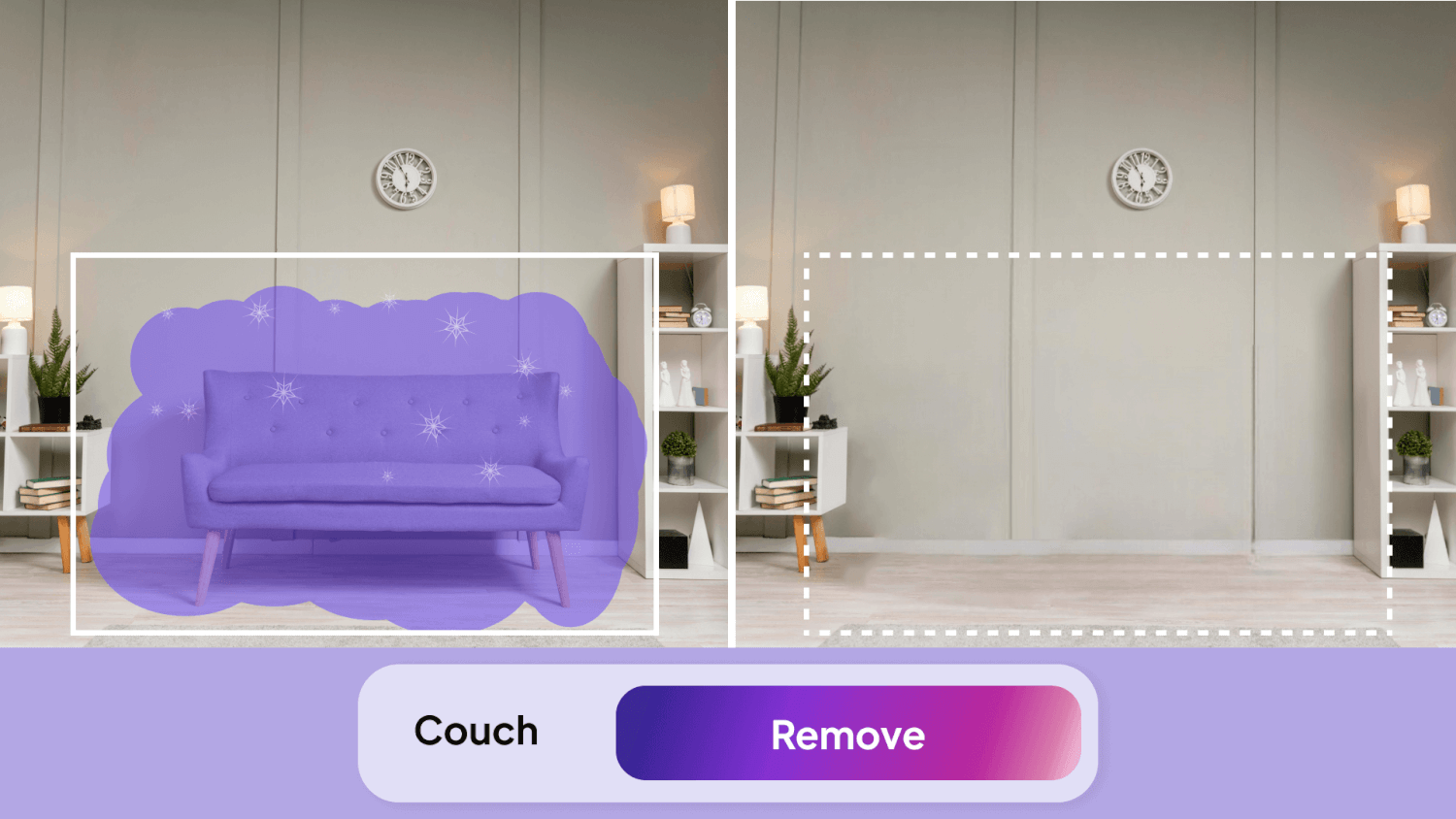
At HomeDesigns AI, we are committed to providing tools that simplify and enhance the design process, making it accessible to everyone. One of our most efficient tools, Furniture Removal, empowers users to declutter and transform their spaces effortlessly by removing unwanted furniture and decor elements. In this article, we’ll introduce the Furniture Removal tool, explain its functionality, explore who can benefit from it, and provide a step-by-step guide on how to use it effectively. We’ll also share tips and tricks to help you get the most out of this powerful feature.
Introducing the Furniture Removal Tool
The Furniture Removal tool was designed to help users easily clear spaces of unwanted items, creating a blank canvas for new design ideas. Whether you’re preparing a room for virtual staging, renovating your home, or simply looking to declutter, this tool provides a quick and easy way to refresh your space. By removing furniture and decor with just a few clicks, it allows you to visualize new layouts and design possibilities without the hassle of manual labor.
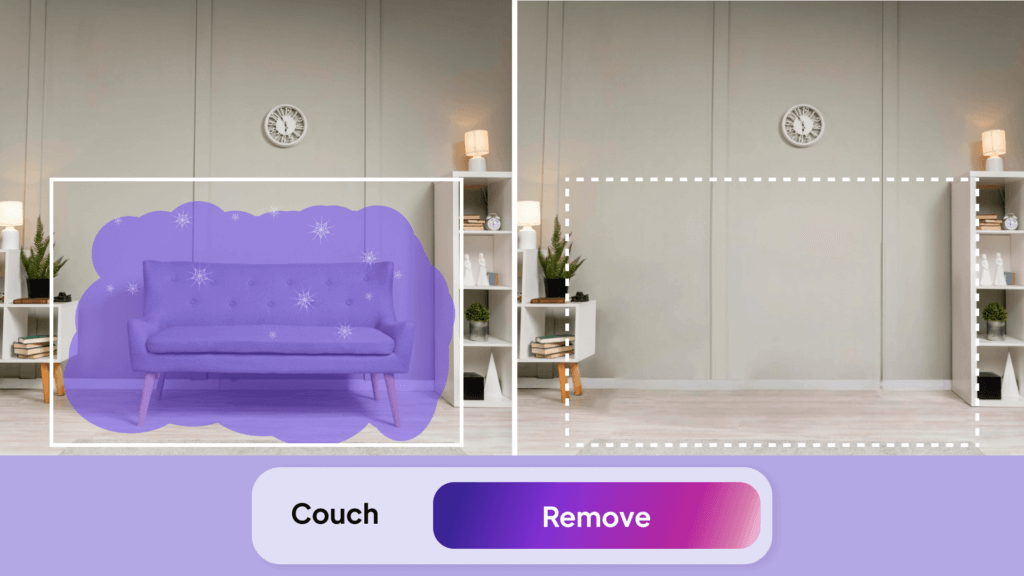
What the Furniture Removal Tool Can Do
The Furniture Removal tool focuses on decluttering spaces by removing specific elements, making it ideal for those looking to refresh a room or prepare for a new design project. Here’s what it offers:
Key Capabilities
- Effortless Decluttering: Remove furniture and decor elements with a single click, creating a clean slate for new design ideas.
- Versatile Applications: Suitable for both interior and exterior spaces, allowing you to clear rooms, patios, gardens, and more.
- User-Friendly Interface: With its simple, intuitive controls, the tool is accessible to users of all experience levels, ensuring a smooth and hassle-free decluttering process.

Who is the Furniture Removal Tool For?
The Furniture Removal tool is perfect for anyone needing a fresh start in their spaces. It’s especially useful for:
- Homeowners: Ideal for those looking to declutter and prepare spaces for new designs, such as removing outdated furniture to visualize a room renovation.
- Interior Designers: Helps create a blank canvas for client projects, allowing designers to clear out spaces and stage new furniture and decor.
- Realtors: Enhances property photos by removing outdated or cluttered items, making homes more appealing to potential buyers through virtual decluttering.
- Home Builders: Useful for preparing model homes for virtual staging by removing placeholder furniture to showcase new design possibilities.
- Event Planners: Assists in clearing out spaces to design event layouts, such as removing existing furniture from a venue to plan a wedding or corporate event setup.
- Landscapers: Helps in removing unwanted elements from outdoor spaces, such as clearing out old garden features to plan new landscaping designs.
How to Use the Furniture Removal Feature
Using the Furniture Removal tool is straightforward and user-friendly. Follow these steps to declutter your space:
- Upload Source Image: Start by uploading a clear, high-quality image of the space you want to declutter. A well-lit, high-resolution image ensures the best results from the AI analysis.
- Adjust the Brush Settings: Use the right-hand menu to adjust the brush size, shape, and mode. This flexibility allows for precise control when selecting items to remove.
- Select Objects to Remove: Use the manual brush to outline and select the furniture or decor elements you wish to remove. Carefully define these areas to ensure only the unwanted items are targeted.
- Generate User Designs: Click on “Generate New Designs” to let the AI remove the selected objects and declutter the space. The tool will clear the room, providing a fresh canvas for your next design.
Tips and Tricks
To get the most out of the Furniture Removal tool, consider these helpful tips:
- High-Quality Images: Always use well-lit, high-quality images for the best results. Clear images enable the AI to accurately identify and remove objects.
- Toggle Between Add and Remove Masking: In the Manual Selection tab, switch between Brush Selection (Add Masking) and Brush De-Selection (Remove Masking) to refine your selection, ensuring you capture only the elements you want to remove.
- Avoid Structural Elements: Be careful not to select walls, windows, or doors for removal, as these structural elements should remain intact.
- Review and Adjust: After the AI processes the image, review the changes and make any necessary adjustments to ensure a clean and polished final result.
- Improve Resolution: Use the HD button to enhance the clarity of the cleaned-up space, providing a professional look to your redesigned room.
The Last Look
The Furniture Removal tool offers a simple yet powerful way to refresh and prepare spaces for new designs, making it an invaluable asset for homeowners, designers, and professionals alike. By easily removing unwanted furniture and decor, it provides the perfect blank canvas to bring any design vision to life. Whether you’re clearing a space for staging, preparing for a renovation, or simply experimenting with new ideas, this tool simplifies the process, allowing you to focus on creativity and design.
If you’re curious to explore more of what HomeDesigns AI has to offer, check out our latest article here.